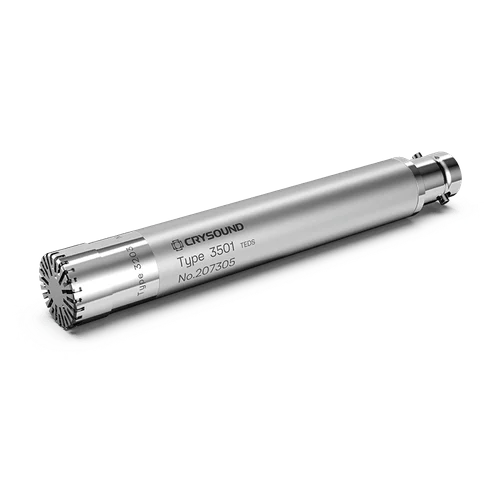


CRY3213 NVH Measurement Microphone
Official Launch
- IP67
- Robust Shock & Vibration Resistance
- Extreme Temp. Range: -50°C to 125°C
- Quick-Swap Protective Grid
- Calibration Adapter
- Power-On Indicator
- TEDS Support
- Excellent EMC Immunity

PIONEER THE NEW SOUNDWAVE
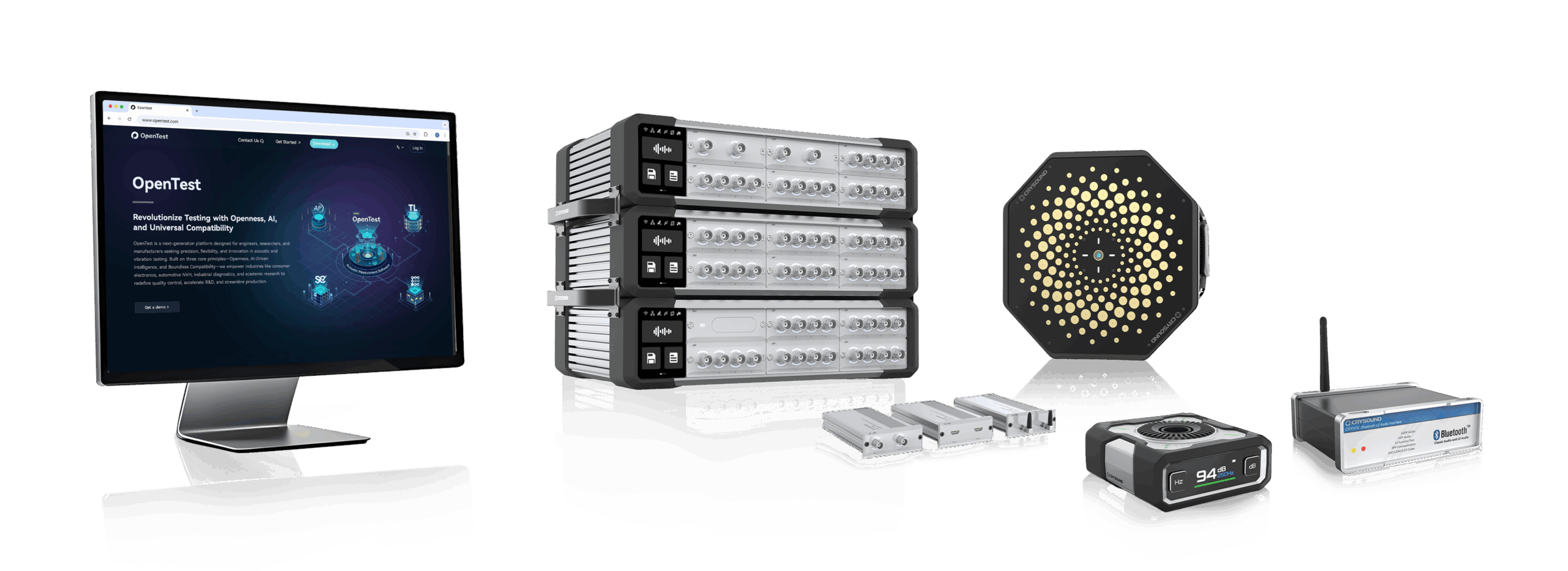
CRYSOUND Global New Product Launch
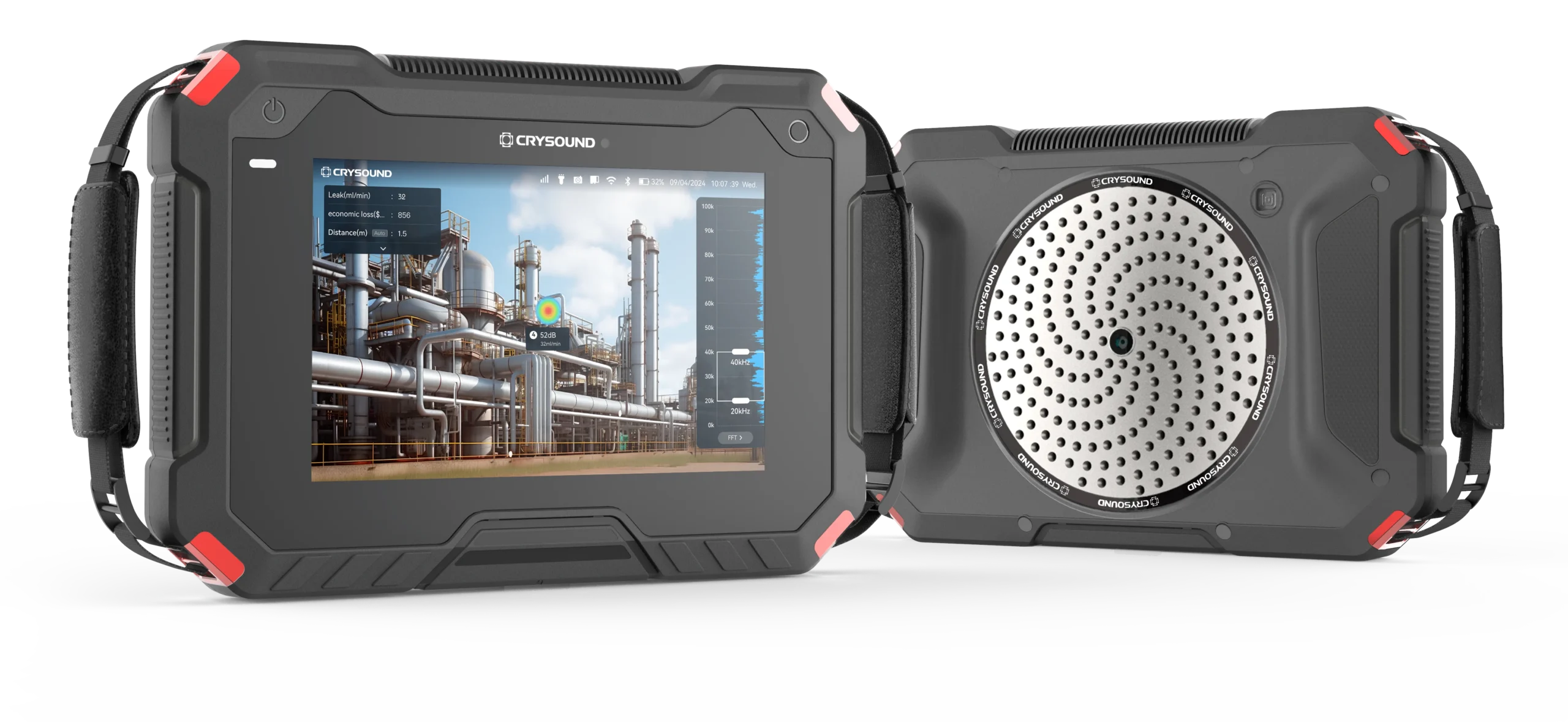
CRY8125 Ex Advanced Acoustic Imaging Camera
Measure Sound Better
Measure Sound Better
At CRYSOUND, precision blends innovation. With over 25 years of expertise in acoustic measurement, we deliver cutting-edge solutions that drive progress from consumer electronics to environmental management. Looking to the future, we are committed to providing world-class acoustic testing equipment while empowering users to be the champions of audio test and detection solutions.


Solutions
Industry leading solutions for accurate acoustic measurements
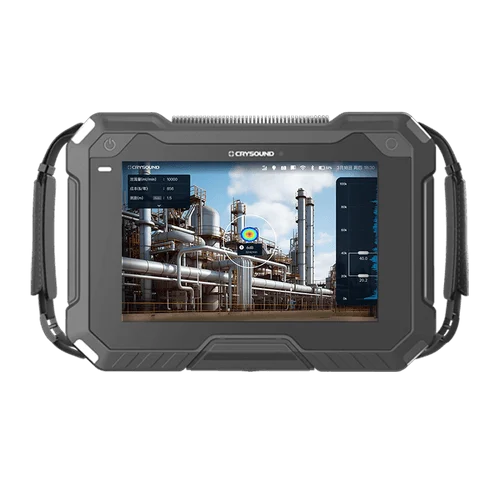
Gas Leak Detection
CRYSOUND offers a versatile gas leak detection solution for both ordinary and explosion-proof...
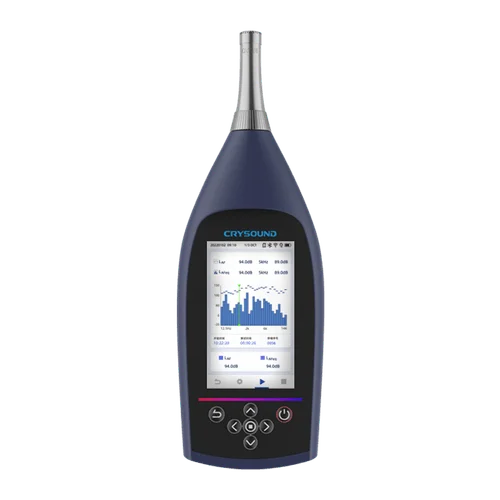
Noise and Vibration Test
CRYSOUND conducts noise and vibration tests for diverse environments, encompassing traffic, airport...
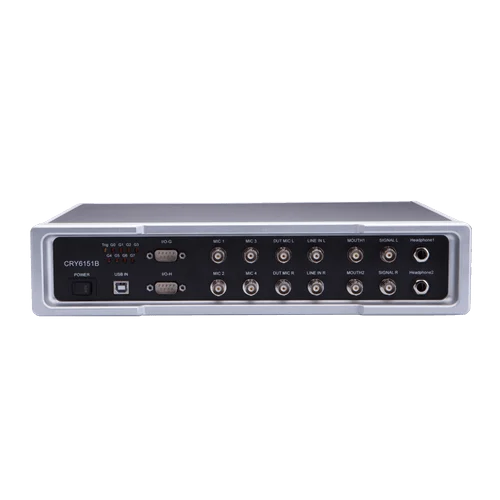
Electroacoustic Test
CRYSOUND's electroacoustic test solutions are tailored to assess a wide range of consumer...
Blog
Company News, Case Study

Prepolarized vs. Externally Polarized Microphones
In acoustic testing, acoustic metrology, and product noise evaluation, the term measurement microphone typically refers to a condenser measurement microphone. Its signal generation relies on a polarization electric field: sound pressure changes the capacitance, and the front-end circuitry converts this change into an electrical signal. Depending on how the polarization field is provided, measurement microphones generally fall into two categories: externally polarized (polarization high voltage supplied by the measurement system, typically 200 V) and prepolarized (an internal electret provides the equivalent polarization, so no external high voltage is needed). Both can deliver high-precision measurements; the key to selection is system compatibility, environmental constraints, and maintenance cost. This article first explains how prepolarized and externally polarized microphones work and differ. It then compares power/front-end compatibility, noise and dynamic range, environmental robustness, and long-term stability. Next, it gives selection tips by scenario (metrology, approval tests, field, multichannel). It ends with a quick decision checklist. System Requirements Externally Polarized An externally polarized microphone requires a dedicated polarization unit / microphone power supply (provides 200 V polarization) to provide a stable polarization voltage (commonly 200 V) and to match the preamplifier interface (often 7-pin LEMO).This signal chain is closer to traditional metrology setups and is commonly used in laboratories and traceable calibration scenarios. Figure 1. Externally Polarized Microphone Structure Diagram Figure 2. Externally Polarized Microphone Set Prepolarized A prepolarized microphone uses an internal electret to provide equivalent polarization, so no external polarization voltage is required.System integration is simpler, making it well-suited for field work, mobile testing, and multi-channel distributed deployments. IEPE interfaces are widely used and broadly compatible; many data acquisition devices provide built-in IEPE inputs, which can significantly reduce overall equipment cost. (IEPE is the international term; some companies also refer to it as CCP or ICP.) Figure 3. Prepolarized Microphone Structure Diagram Figure 4. Prepolarized Microphone Set Engineering Trade-offs From an engineering application perspective, the main differences are: System compatibility: Externally polarized microphones depend on 200 V polarization and specific front-end/interfaces; prepolarized microphones place fewer requirements on the front-end and enable more flexible integration. Environmental robustness: High humidity, condensation, dust, oil mist, and similar environments can amplify insulation and leakage issues; prepolarized microphones often achieve more stable results. For high-temperature applications, carefully verify the model’s temperature limit and long-term drift data; externally polarized microphones are more commonly used where high-temperature stability and metrology-grade requirements are prioritized. Deployment and maintenance: Prepolarized solutions avoid high-voltage risk, deploy faster, and typically cost less at scale. Externally polarized setups demand higher standards for cleanliness, insulation, connector reliability, and troubleshooting capability. Selection Guidelines Front-End and Power Architecture If your existing front-end natively supports 200 V polarization and you have long used that metrology signal chain, prioritize externally polarized microphones to minimize retrofit effort and compatibility risk. If your front-end does not support polarization high voltage, or your system is mainly based on constant-current powering (e.g., CCLD/IEPE), prioritize prepolarized microphones for higher deployment efficiency and broader compatibility. Environmental Constraints (Humidity / Contamination / Temperature) For high humidity, condensation, dust, or oil mist in the field: prioritize prepolarized microphones or models with protective designs, and pay close attention to connector and cable protection. For high temperature or thermal cycling: base the choice on datasheets and stability data. Both externally polarized and high-temperature prepolarized models may be suitable, but you must verify the temperature limit and drift specifications. Align the Key Performance Targets Low-noise measurement: focus on equivalent self-noise, front-end noise, cable length, and shielding/grounding strategy. High SPL / shock measurement: focus on maximum SPL, distortion, overload recovery, and front-end input headroom (capsule size selection is often more critical than polarization method). Consistency / traceability: focus on calibration system, long-term drift, temperature coefficient, and maintenance interval. Budget and Total Cost of Ownership If budget is tight, channel count is high, or you need rapid scaling: prioritize prepolarized microphones. Without external polarization high voltage, the measurement chain is simpler and total investment is usually lower. If an externally polarized chain is required: include the external polarization power supply/adapter as a mandatory budget item. In addition to the microphone and preamplifier, a stable 200 V polarization supply is required, and the polarization supply can be costly. For multi-channel deployments, total cost rises significantly with channel count. If the laboratory already has sufficient channels of external polarization supplies, the incremental cost can be much lower. Conclusion There is no absolute “better” option between prepolarized and externally polarized microphones. A more reliable engineering approach is to first define the measurement chain and environmental constraints, then finalize the model selection using key metrics such as noise, dynamic range, consistency, and traceability. You are welcome to learn more about microphone functions and hardware solutions on our website and use the “Get in touch” form to contact the CRYSOUND team.

Automotive HVAC Air Vent EoL Test Case
This integrated single-station EoL test solution enables automotive HVAC air vent suppliers to perform NVH (noise/BSR), motor electrical testing, and vane presence detection in a single inspection step, helping to improve overall test efficiency and reduce labor dependency. System Block Diagram of the Automotive HVAC Air Vent Test Solution Modern automotive HVAC air vent assemblies increasingly integrate multiple drive motors, multi-row vanes (louvers), and smart features such as automatic airflow control and voice interaction. As a result, upstream process variation or assembly defects can translate directly into vehicle-level concerns—typically perceived as abnormal noise, buzz/squeak/rattle (BSR), airflow direction mismatch, or reduced airflow caused by missing/misassembled vanes. To reduce rework and prevent customer complaints, suppliers increasingly require 100% end-of-line (EoL) testing on the production line, covering NVH (noise/BSR), motor electrical testing, and vane presence detection. CRYSOUND Single-Station EoL Test Solution CRYSOUND’s automotive HVAC air vent EoL test solution enables customers to perform single-station, 100% testing of noise/BSR, motor electrical testing, and vane presence detection. The solution integrates CRYSOUND’s in-house hardware and software, CRY3203-S01 measurement microphone set, SonoDAQ, CRY7869 acoustic test box, and OpenTest. And it combines electroacoustic measurement with abnormal noise analysis (sound quality and AI-based algorithms) to identify noise/BSR issues that FFT and Leq may miss. It also integrates motor electrical testing and vane presence detection, enabling one-time clamping and a single OK/NG decision within the same sound-insulated EoL station. Schematic of the HVAC Air Vent Test Fixture Customer Results: Efficiency, Labor, and Quality Gains Replaced manual listening with machine-based detection, enabling unified criteria with quantitative, traceable results. One fixture, three test positions: supports parallel or mixed testing of left/center/right dashboard air vents, improving efficiency by >100%. Variant support via fixture changeover: reuse the same test station across different products, reducing repeated capital investment. One-operator, one-click inspection: a single line can save 1–2 long-term operators. EoL Test Equipment for Automotive HVAC Air Vent Typical Target Users This solution is designed for suppliers of motorized air vents and other motor-driven interior components,such as Valeo S.A.,Ningbo Joysonquin Automotive Systems Co., Ltd. and Jiangsu Xinquan Automotive Trim Co., Ltd. Main Hardware and Software Configuration ProductQty.NoteCRY3203-S01 Measurement Microphone Set1Measurement Microhone SetCRY5820 SonoDAQ Pro1Audio AnalyzerCRY7869 Acoustic Test Box1Test EnvironmentOpenTesthttp://www.opentest.com1SoftwareFixture1CustomizablePC & Monitor1(Optional) Feel free to fill in the form below ↓to contact us. Our team can share application-specific EoL testing recommendations based on your automotive HVAC air vent requirements.

Sound Level Meter Buying Guide
In industrial production and environmental monitoring, excessive noise implies compliance risks or potential complaint disputes. To handle this, you need a professional sound level meter (SLM) that provides "credible, traceable, and analyzable data." Faced with price differences ranging from hundreds to tens of thousands of dollars, and a complex array of parameters, how do you choose without making costly mistakes? We have distilled the complex selection process into a "4-Step Decision Method" to help you quickly find the balance between your budget and your needs. Step 1: Define the "Purpose" — Does the data need to be externally accountable? This is the first watershed moment in selection, directly determining the equipment's "Accuracy Class." Scenario A: Data must be "Externally Accountable" Typical Use Cases: Environmental law enforcement, third-party testing, laboratory R&D, legal arbitration. Must Choose: Class 1 Sound Level Meter. Key Reason: The difference between Class 1 and Class 2 goes beyond reading errors. The core difference lies in the Frequency Response Range. Class 1 Devices (e.g., CRY2851): Typically cover a wide band of 10 Hz – 20 kHz, capturing extremely low-frequency vibrations and ultra-high-frequency noise, fully meeting strict standards like IEC 61672-1:2013 Class 1. Class 2 Devices: Usually have a narrower frequency range (e.g., 20 Hz – 8 kHz) with potential attenuation at high or low ends, making them unsuitable for strict metering or certification scenarios. Scenario B: Used only for "Internal Management" Typical Use Cases: Workshop inspections, equipment spot checks, community surveys, internal process comparisons. Recommended: Class 2 Sound Level Meter. Core Advantage: It meets the vast majority of industrial and environmental noise measurement needs and is the ideal choice for internal control. Step 2: Clarify "Indicators" — What exactly are you measuring? Selecting the wrong indicators renders the data useless. Focus on the following two points: Frequency Weighting (A, C, Z): Which one to use? A-Weighting (Most Common): Simulates the human ear's response (insensitive to low frequencies). Must be used for Environmental Noise Evaluation and Occupational Health Assessments (e.g., 85 dB(A) limits). C-Weighting: Less attenuation at low frequencies, reflecting the total energy of the sound more truly. Often used for Mechanical Noise and Impact Sound where rich low-frequency components exist. Z-Weighting (Zero Weighting): Flat response across the entire frequency range with no attenuation. Must be used when you need Spectrum Analysis or deep research into noise components to preserve the original signal. "Instantaneous Value" or "Statistical Value"? For quick site checks: Focus on Lp (Instantaneous Sound Pressure Level) and Lmax (Maximum Sound Level). For scientific assessment or reporting: You must have Leq (Equivalent Continuous Sound Level). This is the core metric for evaluating noise energy over a period of time. Professional equipment (like CRY2850/2851) comes standard with integrating functions to automatically calculate Leq. Figure 1. Software Interface Diagram Step 3: Confirm if "Analysis" is needed — Do you need to find the noise source? This distinguishes a "regular noise meter" from a "professional sound level meter." Looking at a total value (e.g., 85dB) only tells you "it's noisy here"; seeing the spectrum tells you "where is it noisy." When do you need Spectrum Analysis (1/1 Octave, 1/3 Octave, or FFT)? Noise Control: Determining if noise comes from a fan (aerodynamic noise) or a motor (electromagnetic noise). R&D: Comparing sound quality differences between competing products or iterations. Diagnostics: Distinguishing between high-frequency bearing squeal and low-frequency structural resonance. Selection Advice: Taking the CRY2851 as an example, it supports both OCT Analysis and FFT Analysis. If your goal is to "solve problems" rather than just "record numbers," be sure to choose a device with spectrum functions. Figure 2. Measurement Demonstration Step 4: Plan the Measurement "Mode" — Single measurement or long-term monitoring? Many projects fail because the device "measures accurately, but is hard to use." Dynamic Range: Say goodbye to "Manual Gear Shifting" Old equipment requires manual range switching, which is prone to errors. Modern sound level meters (like CRY2851) feature a >120 dB wide dynamic range, covering everything from whispers to roaring engines without switching gears—preventing errors and improving efficiency. Data Export: Ensure data is "Portable and Usable" Ensure the device supports automatic storage to an SD card or internal memory and exports in universal formats (like CSV). Avoid the trap of "measuring data but failing to record it manually." Remote Monitoring Capability (Essential for Outdoor/Long-term) For long-term scenarios like construction sites or traffic monitoring, the device must have: Communication Functions: (LAN/Serial Port) for real-time remote data transmission. Outdoor Protection: (e.g., paired with NA41 Outdoor Kit, IP65 rating) to withstand rain and dust; otherwise, the equipment is easily damaged. Quick Selection Cheat Sheet To help you decide quickly, we have summarized three typical application scenarios based on the four-step method above: Figure 3. Handheld Measurement Operation The "Avoid Pitfalls" Checklist: Check these 5 points last Check the Standard: Confirm compliance with the latest IEC 61672-1:2013 standard. Check Bandwidth: Even for Class 2 meters, ensure the frequency range covers your main noise sources to avoid missed detections. Check Calibration: Buying a Class 1 SLM requires a Class 1 Sound Calibrator (e.g., CRY563A); otherwise, the system accuracy is downgraded. Check Range: Prefer "Wide Dynamic Range" or "Auto-Range" devices; refuse manual gear shifting. Check Accessories: Windscreens and protective cases are mandatory for outdoor use. Selecting a sound level meter is essentially balancing "Risk vs. Cost." If you still have doubts about "Class 1 vs. Class 2" or "Whether Spectrum Analysis is needed," CRYSOUND is ready to provide full lifecycle support: Pre-sales: Our application engineers provide one-on-one scenario consulting to help you match precisely and avoid wasting money. After-sales: We offer a full suite of services from calibration and training to long-term technical support, ensuring a complete chain of evidence. Instead of struggling with parameters alone, get in touch with our team using the form below to receive a configuration plan tailored to your application.
Get in touch
Are you seeking more information about CRYSOUND’s solutions or need a demo? Contact us via the form bleow and one of our sales or support engineers will connect with you.
Sound and Vibration Test & Measurement - CRYSOUND
Measure Sound Better
At CRYSOUND, we blend precision with passion. With over 25 years of experience in delivering high-quality acoustic measurement products, we are dedicated to providing advanced solutions that empower users to be the champions of audio test and detection solutions.